ShipLang Standardized AI Multi-Language Framework Installation Tutorial
This tutorial will guide you through the entire process of installing the ShipLang framework from scratch, including server selection, environment configuration, and framework deployment.
Download ShipLang source code
Get the latest stable version of the ShipLang framework
Download ShipLang v1.0.2Latest version v1.0.2 | Release date: 2026-01-15
Step 1: Basic Configuration
1.1 Basic Configuration
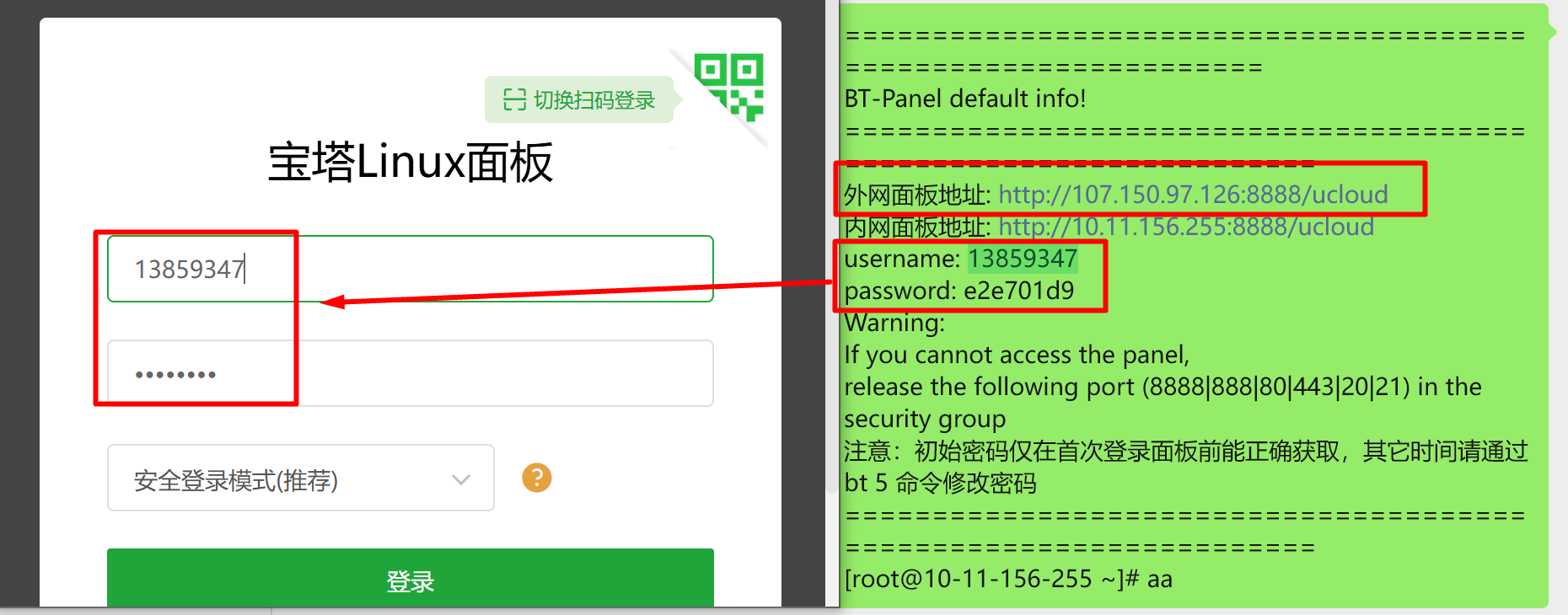
There are three articles in total for the basic configuration. You need to complete these three articles in sequence before reading this tutorial.
Step 2: Install ShipLang
2.1 Download ShipLang
Click the download button above this article to download the ShipLang source code.
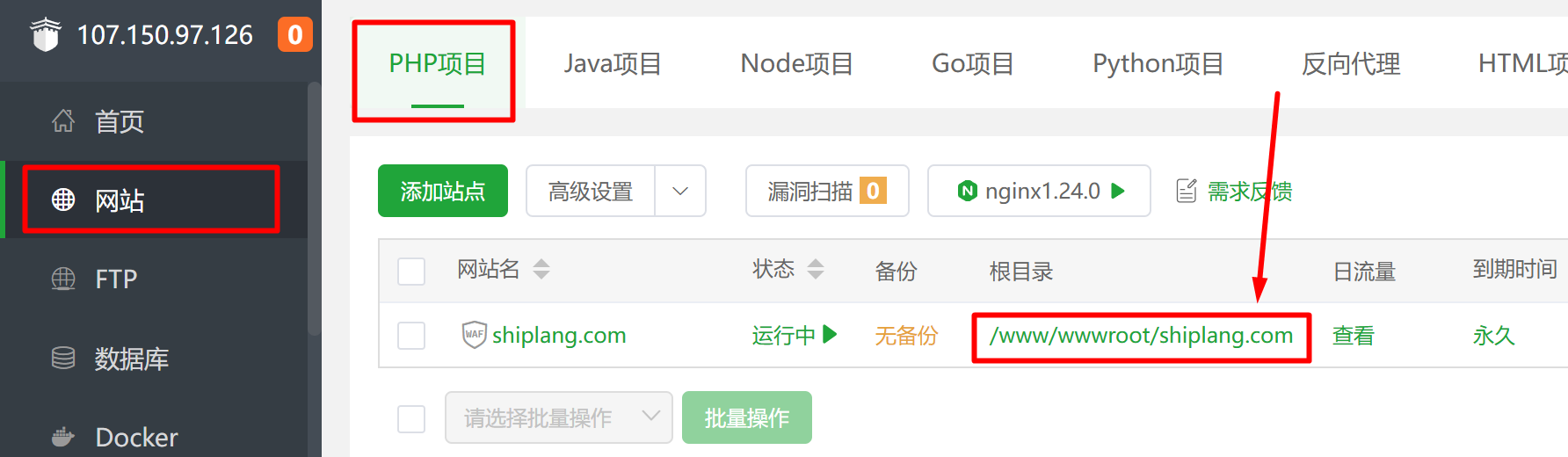
Click [Website] -> [PHP Project] -> [Root Directory]
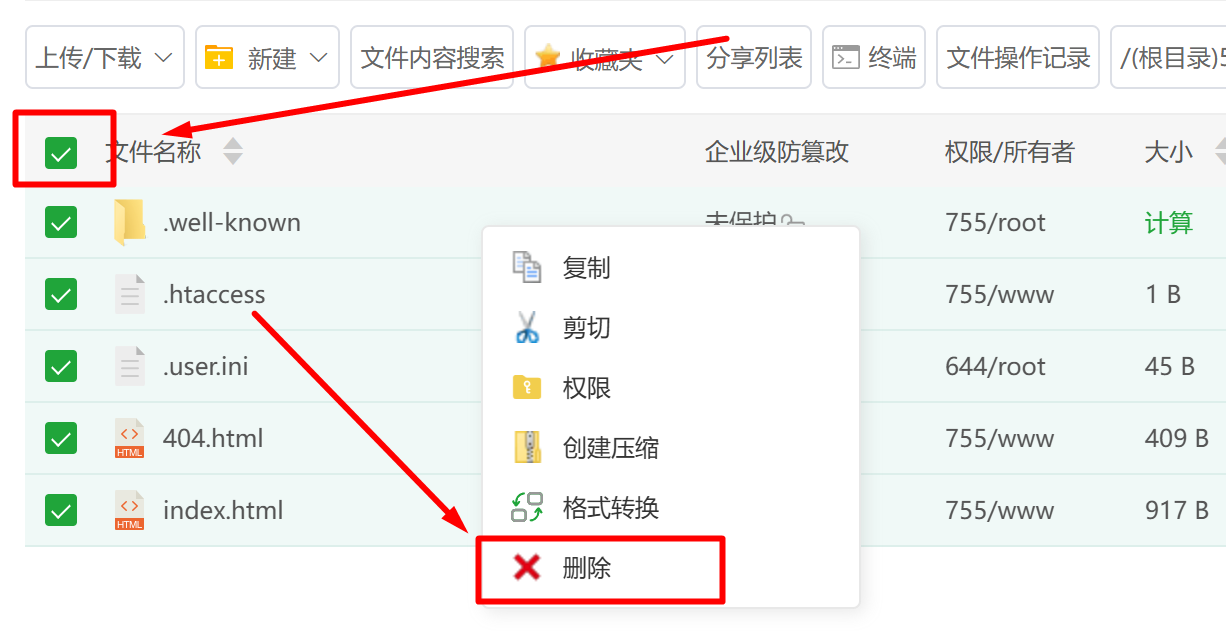
Select all, right-click, and delete all files. If files reappear after a while, delete them again.
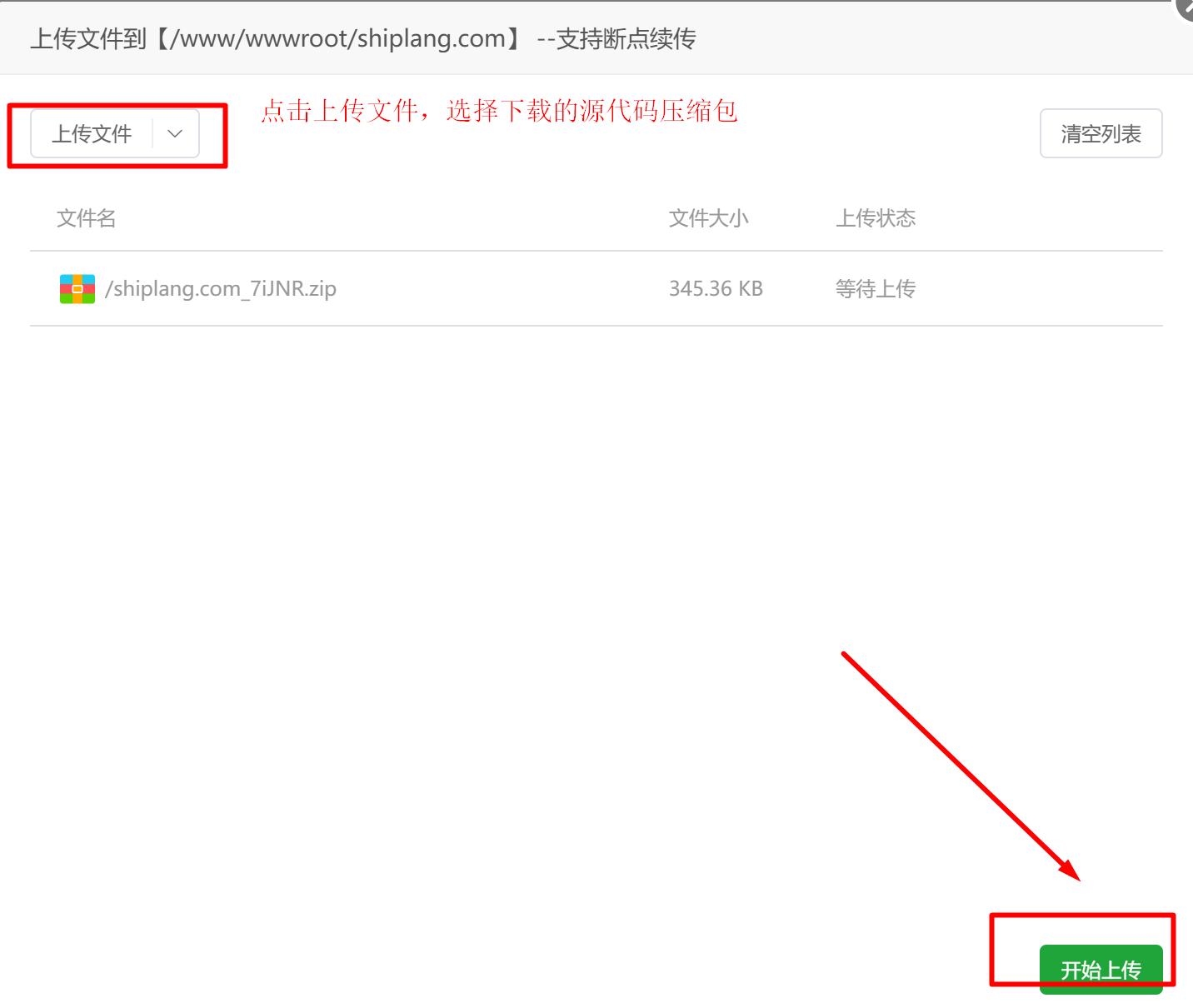
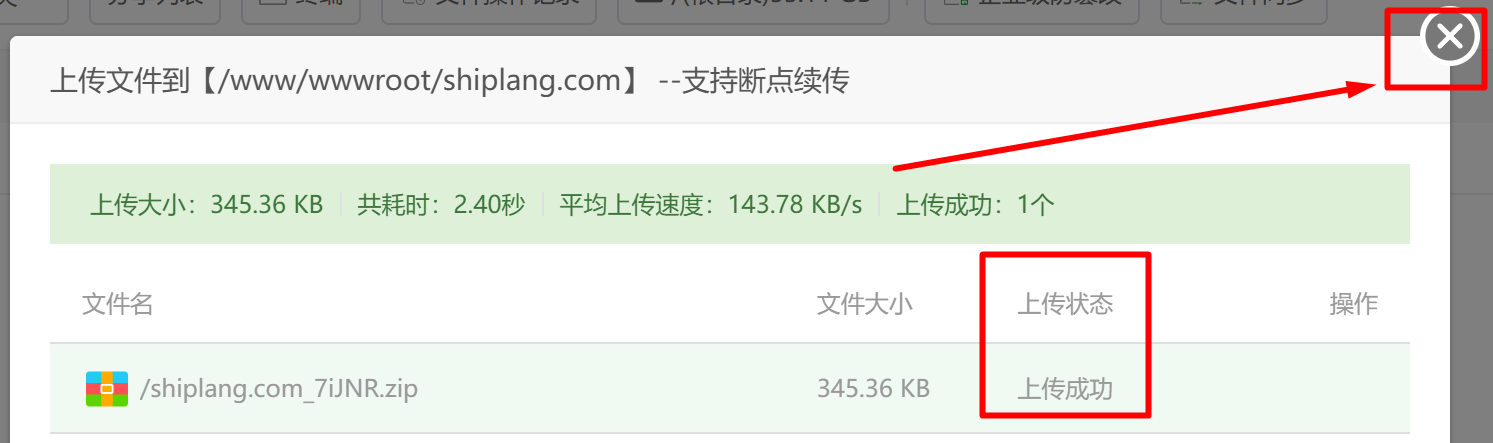
Click [Upload File], select the downloaded source code, click [Start Upload], and click [×] after successful upload.
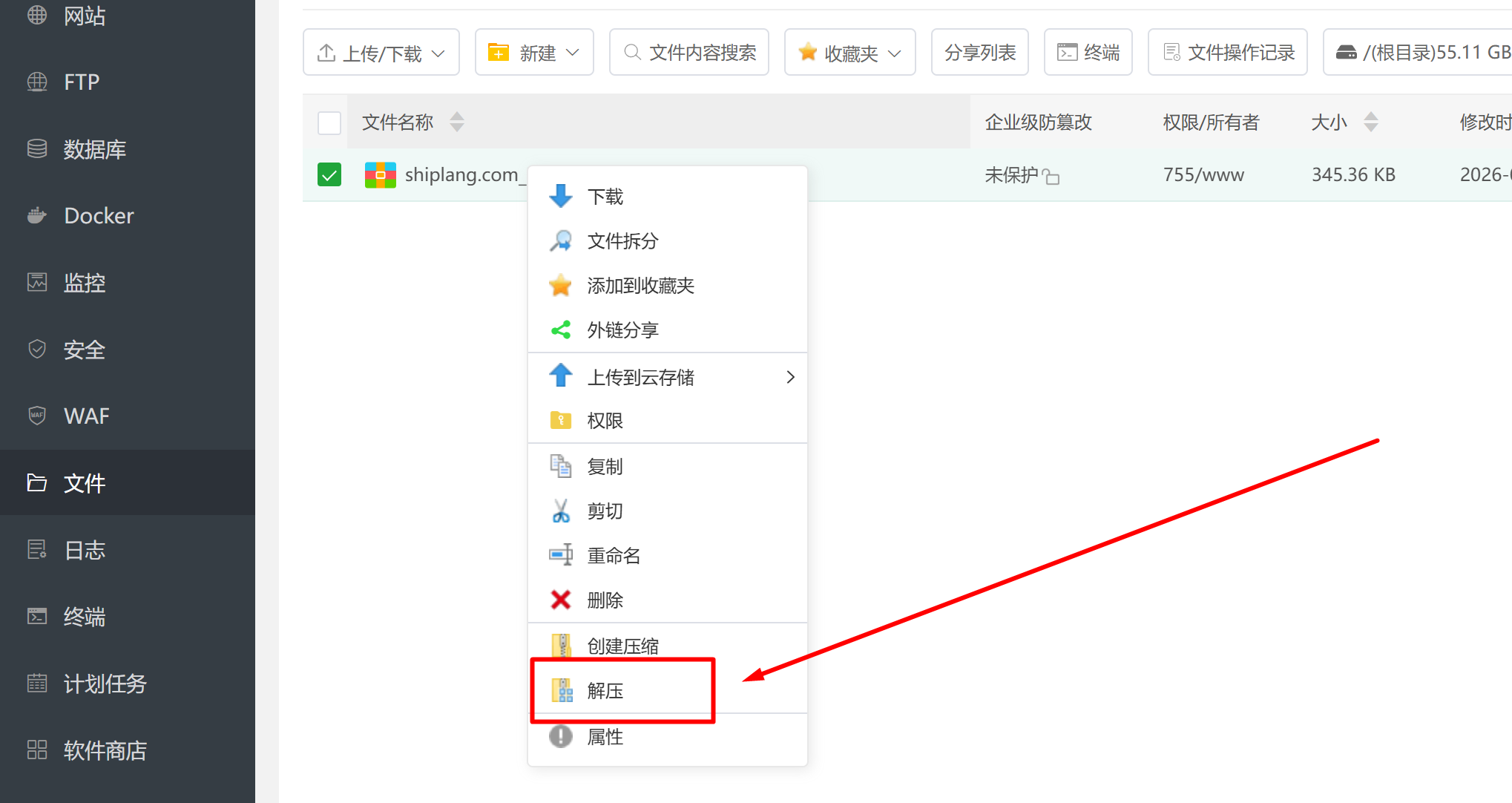
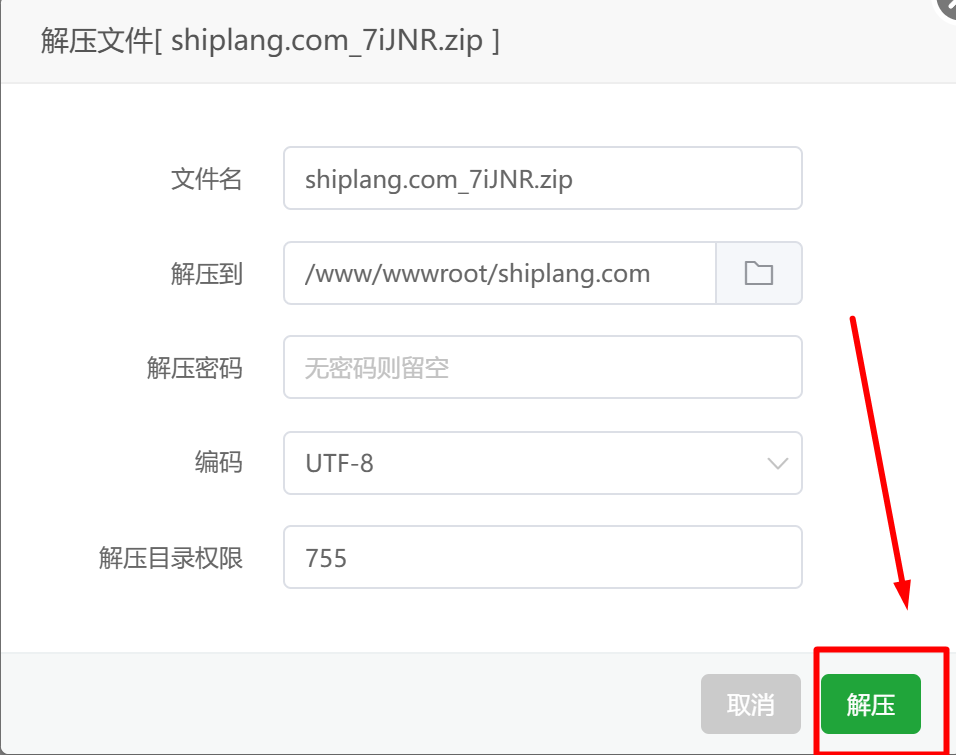
Right-click and extract.
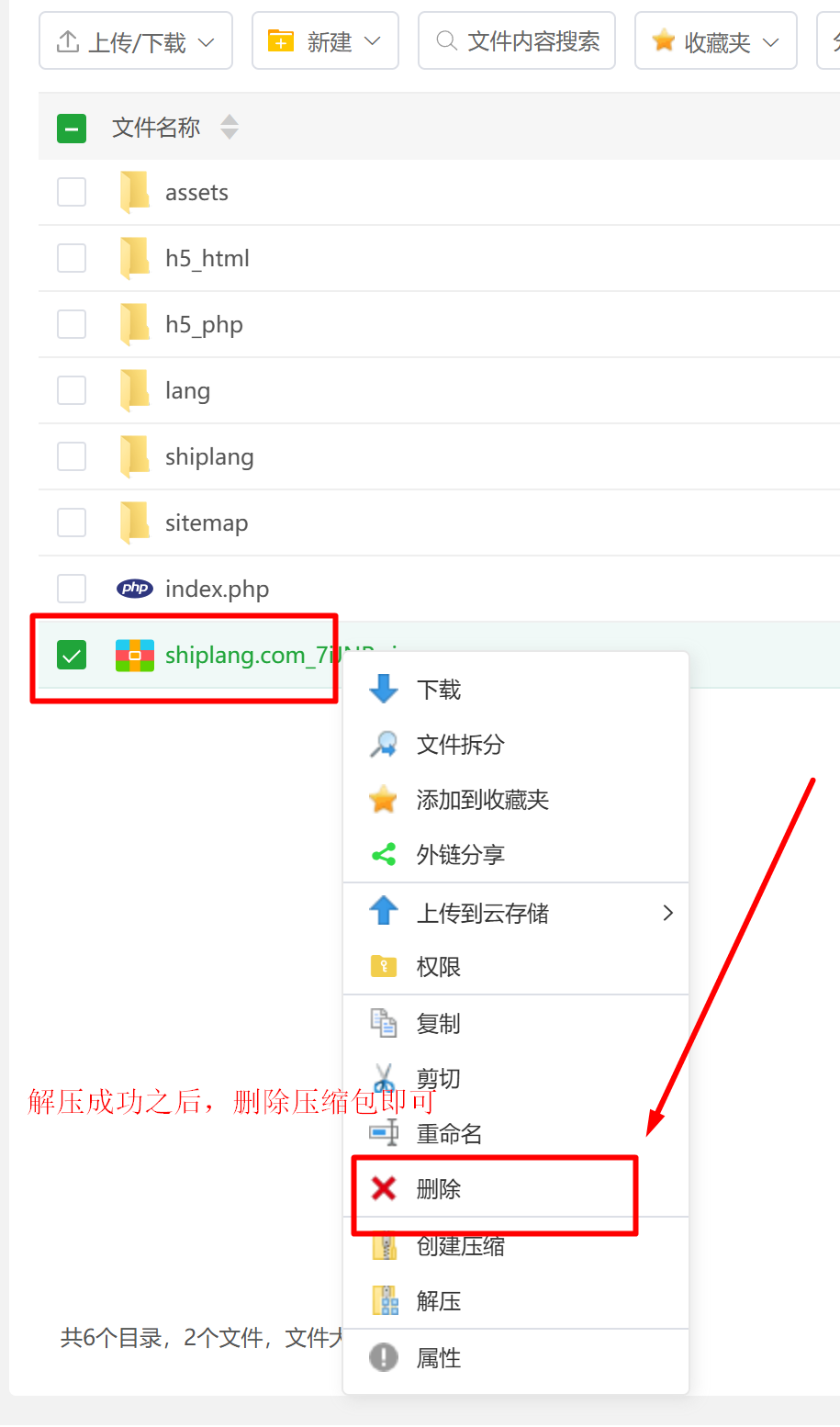
Delete the compressed file after decompression.
Step 3: Installation successful
The ShipLang framework system is now successfully installed. You can access it from your domain.
After successfully installing ShipLang, you will need to learn how to use it, which will be covered in the next chapter.